



Inside QT Rewired: Studio Songs, Alley Battles & KB
Two sides of QT's microphone
QT Rewired puts a deceptively friendly robot at the centre of two very different performances. Follow Boyfriend into the alley for QT and KB's encounter, or take QT's side of the microphone in the CG5 studio collaboration. JoaDash and FatzFries direct this reimagining; the original QT creators are Hazard24 and CountNightShade. Rewired has its own story, so original-mod lore and song lists should not be used as a guide to this release.
Where can I play FNF QT Rewired online?
Use Play Now above to open the supplied web adaptation without installing the desktop mod. Wait for the asset loader, click Tap to Play and press Enter at the title screen. For the CG5 collaboration, choose Story Mode → Rewired Collab 1, set an available difficulty with Left or Right, then press Enter to start GO GO GO (feat. Ironmouse).
Prefer a separate game window? Open the standalone game player (opens in a new tab).
From the loader to the CG5 collaboration
Follow these five screens to enter the CG5 collaboration: Tap to Play → title screen → Story Mode → Rewired Collab 1 and difficulty → GO GO GO (feat. Ironmouse). Set the difficulty before starting; Normal in the screenshot is an example.
1. Click Tap to Play
Click Play Now above and wait for the game's own asset loader to finish. On the black screen with the pink character icon, click the green Tap to Play prompt near the bottom.
2. Press Enter at the title screen
The title screen shows CG5, Ironmouse and QT in a recording studio. Press Enter when Press Enter to Begin appears across the bottom to reach the main menu.
3. Choose Story Mode
Use Up or Down to highlight Story Mode at the top of the yellow main menu, then press Enter. Freeplay is the separate menu for selecting individual songs.
4. Select Rewired Collab 1 and choose the difficulty
Use Up or Down to find Rewired Collab 1. Check that Tracks lists GO GO GO (feat. Ironmouse). Before confirming, use Left or Right beside the difficulty label to cycle through the available settings, then press Enter to start. The screenshot shows Normal as an example; you can choose another available difficulty.
5. Play GO GO GO in the recording studio
The song opens with CG5 on the left and QT on the right. Click inside the player so it receives keyboard input. Press the matching arrow keys when your scrolling notes line up with the four targets above QT; hold a key through a sustained note. Keep following the targets as the studio performance and lyrics continue.
Pick a performance before your next attempt
| Track | What to listen for |
|---|---|
| GO GO GO (feat. Ironmouse) | The CG5 collaboration brings a recording-studio performance with on-screen lyrics. Look for the red-suited CG5 with glasses and headphones alongside Ironmouse and QT, and follow the song's vocal phrases at the note targets. |
| Blissful | Begin with QT's duet. Use the opening phrases to find the pulse and settle your hands before moving to the more demanding encounter. |
| Obliterated | KB's sawblades divide your attention between the note targets and hazard warnings. The gameplay prompt says to press Space on the third beat to dodge. Learn that cue while keeping the song's rhythm. |
| Blissful (Pico Mix) | Look for Pico's take in Freeplay. Listen to the phrasing of this version rather than carrying every timing choice over from Boyfriend's performance. |
| Blissful Classic | Try the classic take when you want another version of the encounter. Revisit the main arrangement afterward to compare how each performance feels to play. |
Keep a beat spare for KB
An alley duet asks you to read the four lanes. A saw warning asks you to interrupt that habit briefly. In Obliterated, the on-screen instruction calls for Space on the third beat. Watch the cue, make the dodge and bring your eyes back to your own targets.
Learn a short phrase rather than trying to memorise every effect at once. Blissful is a useful place to settle into QT's musical responses before attempting the mechanical encounter.
The studio ending and a different retry
A successful GO GO GO performance transitions to the collaboration's logo outro. You can reach it on a difficulty you are able to finish; there is no need to select Hard solely for the outro.
Running out of health instead triggers QT's shutdown sequence and a retry prompt. CG5's subtitled reactions can vary between attempts. Give the animation time to finish before confirming another run.
The Rewired build embedded on this page
The FNF Mod Online team created this web adaptation based on the official QT: Rewired mod. Their adaptation work includes loading-speed and browser-play optimizations. FNF QT maintains this fan guide and its presentation. The original characters, music, artwork and mod remain credited to their creators.
Click Play Now to launch the included browser build. Let its asset loader finish, then click inside the player so it can receive your keyboard input. The first visit needs to download game assets; loading time depends on your connection and device.
The official project also offers a separate mobile release. That does not confirm touch support in this web build, so a keyboard is recommended here. Visit GameBanana for the original release and its latest updates; available songs and options can differ between releases.
QT Rewired gameplay video
Preview the mod with the YouTube video also linked on its official GameBanana page. The showcase and browser build may feature different release content.
Watch FNF QT: Rewired on YouTube
QT Rewired creators and web adaptation
| Mod | QT: Rewired |
|---|---|
| Web adaptation | FNF Mod Online team — web adaptation, loading speed and browser play optimizations |
| Original QT mod | Hazard24 and CountNightShade (opens in a new tab) |
| Official Rewired release | QT: Rewired on GameBanana (opens in a new tab) |
| Gameplay video | Watch QT Rewired on YouTube (opens in a new tab) |
| Credits music | pohsan — QT: REWIRED (REWIR-END) [Credits Song] (opens in a new tab) |
| Original mod source | QT Rewired by RewiredCrew (opens in a new tab) |
| Creator | Contribution |
|---|---|
| JoaDash (opens in a new tab) | Director, artist and animator |
| FatzFries (opens in a new tab) | Co-director and gameplay designer |
| Biddle3, CharaWhy, pohsan and SicOn_ | Music and sound contributions |
| NNovasaur | QT voice actor |
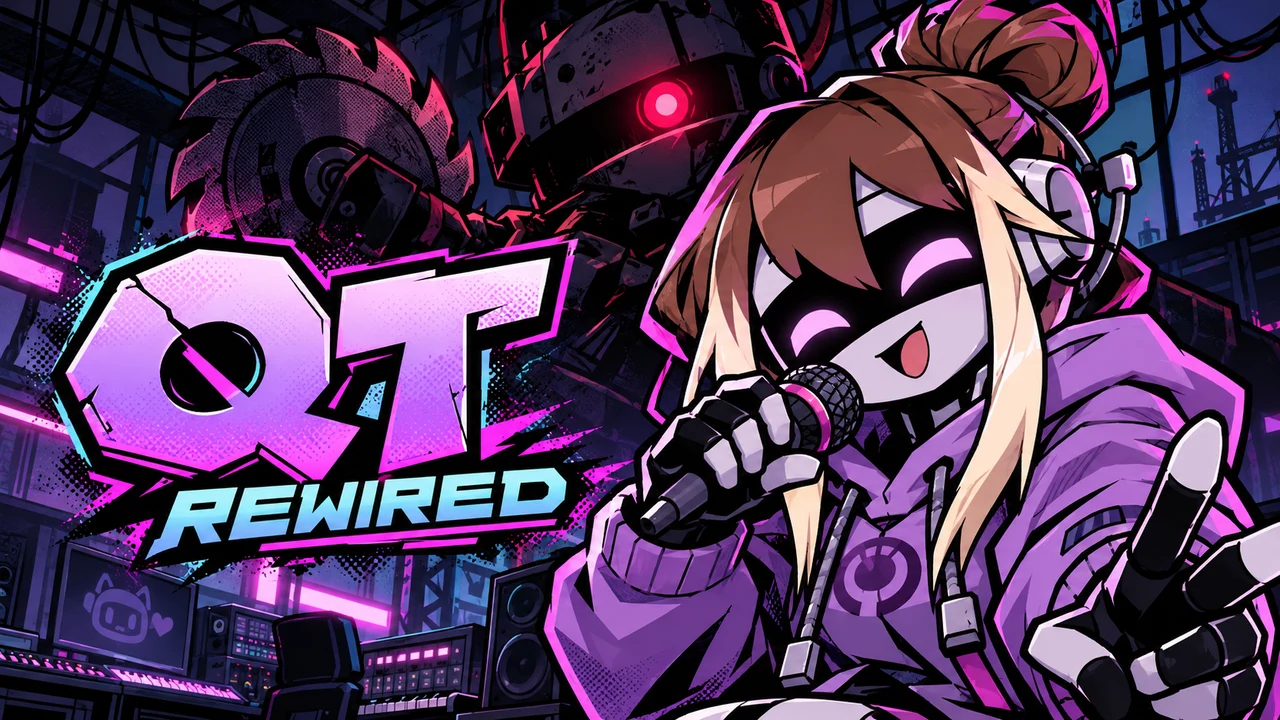
Selected credits from the official release are shown here; see GameBanana for the full team. Rewired has its own story and is separate from the original QT mod's lore. The FNF Mod Online team supplies the web adaptation. The new cover and icon are fan-site promotional illustrations. The five menu and play images show the supplied browser build.
Questions about this Rewired browser build
Where is the CG5 FNF mod song in QT Rewired?
Choose Story Mode → Rewired Collab 1 for GO GO GO (feat. Ironmouse). Set an available difficulty with Left or Right, then press Enter. QT is the playable singer, CG5 sits opposite her in the studio and Ironmouse joins the performance.
Do I have to clear GO GO GO on Hard to see the ending?
No. The collaboration's logo outro plays when the song ends successfully, without a Hard-only requirement. Choose a difficulty you can finish and let the transition play after the final notes.
Who appears on the GO GO GO Game Over screen?
QT has the custom shutdown and retry animation because she is the playable character in this song. CG5 contributes six possible failure reactions with subtitles. This differs from Boyfriend's Game Over presentation in the main QT encounters.
Who made this QT Rewired web version?
The FNF Mod Online team adapted the official mod for the web and optimized loading speed and the browser play experience. QT: Rewired is directed by JoaDash and FatzFries, with the original work credited to its creators.
Is Rewired a continuation of the original QT mod?
It is a reimagining featuring QT and KB. The creators state that its story is separate from the original QT mod and Brutality Labs lore.
Read the official QT Rewired description (opens in a new tab)
How do I dodge the sawblades?
Watch the warning in Obliterated and follow the gameplay prompt: press Space on the third beat to dodge. Keep listening to the beat so you can return to the note chart after the hazard.
Do I need to install Friday Night Funkin first?
No. Click Play Now to launch the included web build here. Desktop installation instructions on the official release apply to the separate downloadable mod.
Can I play this web build on a phone?
A keyboard is recommended for this web adaptation. Touch controls have not been verified here. The official project's separate mobile release does not establish support for this browser build.
After QT: another robot, a harder rival, or the basics
- FNF QT Mod 2.1 — Play the original FNF QT Mod 2.1 online. Start with Carefree, face QT and KB, and find controls, song notes and the original creator release.
- FNF: VS Hex V3 Mod — Trade QT’s alley for Hex’s basketball court. Play the Hex V3 browser build, explore Event X and learn which charts add visual effects or mine hazards.
- FNF vs Whitty — Face Whitty’s bomb-headed challenge in your browser. Work on dense directional phrases, recover after a miss and take your FNF timing beyond QT’s duet.
- Friday Night Funkin — Warm up your directional timing in Friday Night Funkin before meeting QT. Launch the base game, find a comfortable chart and learn to follow the musical replies.